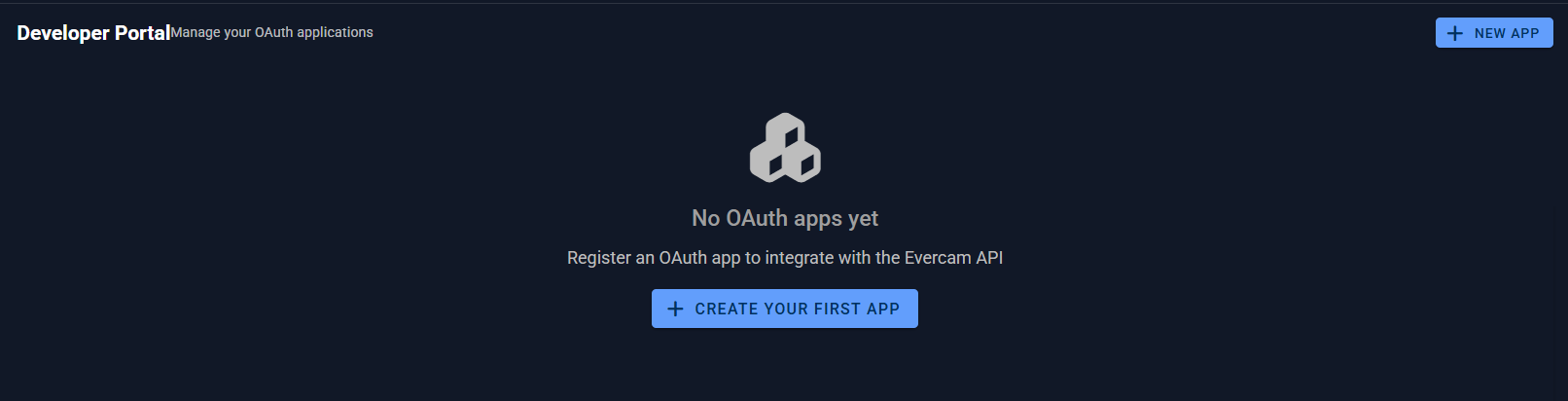
Developer Portal
Authorized Apps 🔐
Review and withdraw third-party access from Account Settings > Authorized Apps, directly below Sessions.
Each app shows its name, description, permissions and when it was authorized. Select Revoke for one app, or select several apps and use bulk revoke. Evercam emails you when access is granted or removed. If only some selected apps are revoked, the result shows how many succeeded.

Example